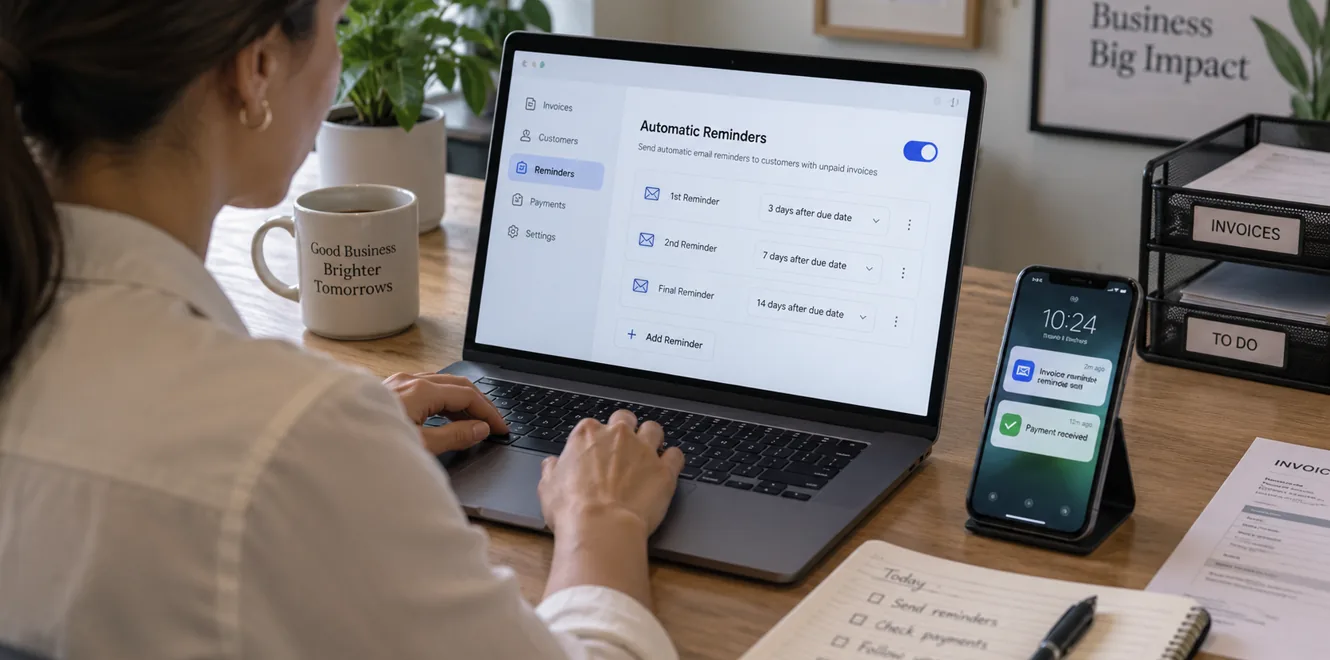
Getting paid on time shouldn't require someone to spend hours checking aging reports, writing follow-up emails, and remembering which customers need another reminder. For agencies, accounting firms, law firms, IT consultants, software companies, and other businesses that invoice clients, a structured reminder process can make accounts receivable easier to manage.
Automatic reminders give customers a predictable prompt before and after an invoice is due while reducing the administrative work required from your team. The goal isn't to send as many messages as possible. It's to create a clear payment process that keeps invoices visible, makes payment easy, and identifies the accounts that need personal attention.
How to send automatic invoice reminders? A strong workflow starts with accurate invoice data, sensible reminder timing, professional messages, and rules for handling exceptions. InvoiceSherpa combines accounts receivable automation with customizable reminders, accounting software synchronization, integrated payment options, and a customer portal. Its platform helps businesses automate routine collections and follow up consistently without relying on repeated manual emails and calls.
.png)
Prepare Your Invoice Process before Adding Reminder Automation
Automation works best when the information behind it is reliable. If an invoice has the wrong email address, due date, balance, or payment instructions, automatically sending reminders can multiply the problem rather than solve it.
Before activating reminder automation, review the way invoices move from creation to payment. The process should make it obvious who owes money, when payment is expected, where customers can pay, and which team member handles questions or disputes.
Use this checklist:
- Confirm the correct billing contact and customer email address.
- Check the invoice number, balance, issue date, and due date.
- Make sure payment terms match the agreement with the client.
- Confirm that online payment links or instructions work properly.
- Review the sender name, company details, and reply-to address.
- Decide which customers or invoices should be excluded from automation.
- Send a test reminder internally before activating the workflow.
Testing matters because customers experience the automated message as communication from your business. A broken payment link, incorrect amount, or poorly timed email can create unnecessary confusion.
Invoice settings should also reflect how your customers actually pay. A business billing monthly retainers may need a different reminder schedule from a consulting company issuing large milestone invoices. Some accounts may routinely require purchase orders or internal approvals, while others can pay immediately by credit card or ACH.
InvoiceSherpa synchronizes invoice and customer data with accounting platforms including QuickBooks Online, Xero, and Clio, allowing automated reminder workflows to work from current accounts receivable information.
The accounting platform should remain a reliable record of invoices and payments. When connected systems are used, avoid running duplicate email reminders in two places. A customer shouldn't receive two nearly identical messages because both QuickBooks and an accounts receivable platform are following the same invoice.
Build a Payment Reminders Schedule That Fits the Payment Cycle
The timing of a reminder can matter as much as its wording. Sending frequent messages too early may irritate customers, while waiting several weeks after the due date allows outstanding balances to age unnecessarily.
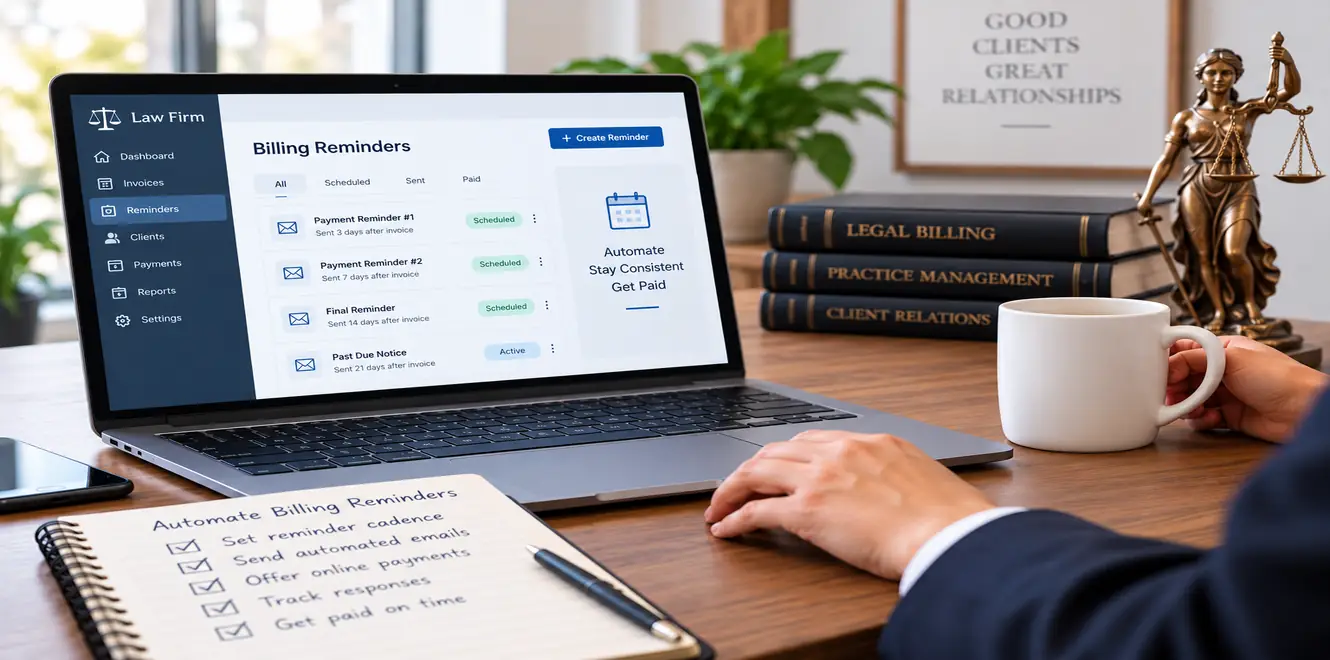
A practical reminder schedule usually starts before payment becomes late. The first message can simply confirm that the due date is approaching and provide a convenient opportunity to raise a billing question. Once the invoice is due, the language can become progressively more direct.
This sequence is a starting point, not a universal rule. A business with 15-day payment terms may need a tighter cadence than one working with enterprise customers on net-60 agreements.
Invoice amount can also affect the workflow. A small recurring balance may be suitable for a standard automated sequence. A large overdue invoice tied to an active client relationship may justify a phone call or account-manager review much earlier.
The same applies to customer history. If a client consistently pays two days after receiving a reminder, there may be no reason to send several additional messages. Reviewing payment behavior over time allows you to adjust the schedule instead of relying on an arbitrary cadence.
Write an Invoice Reminder Email That Makes Payment Easy
An invoice reminder should make the customer's next action obvious. Long explanations and aggressive language often create friction without helping the invoice get paid.
Before the due date, the tone can be friendly and service-oriented. A simple reminder may be enough to bring the invoice back to the top of the customer's inbox. After the balance becomes overdue, messages can become firmer while remaining professional.
A useful reminder email generally includes:
- Customer or client name
- Invoice number
- Amount due
- Original due date
- Current payment status
- Direct payment link or clear payment instructions
- Contact details for billing questions
- A brief explanation of the next step when escalation is appropriate
Avoid wording that assumes a customer is deliberately withholding payment. Invoices can become late because they reached the wrong person, are waiting for an internal approval, were overlooked in a busy inbox, or contain a question that hasn't reached your billing team.
That doesn't mean every email needs to sound identical. An early reminder can read like a courtesy notice. A message sent after several overdue notices should clearly state that the balance remains unpaid and explain the expected action.
InvoiceSherpa allows businesses to customize reminder messages, timing, and schedules so communication can reflect the relationship with each customer. It also supports email and SMS reminders, while customers can pay directly from reminders or through the customer portal.
Consistency is particularly useful when several employees are involved in accounts receivable. Instead of each person writing payment reminders differently, approved templates establish a recognizable company voice while still allowing adjustments for specific accounts.
Set Up Invoice Reminders in QuickBooks Online and Connected Tools
QuickBooks Online can handle straightforward invoice reminders for businesses that want basic automation. Before changing settings, confirm that customer email addresses, invoice dates, and payment terms are accurate.
Depending on the current QuickBooks Online interface and subscription, automatic reminder controls may be available through the sales or invoice settings. Go to Settings, locate the relevant sales and reminder controls, choose when the messages should be sent, and edit the message wording as needed. Because software menus change over time, confirm the current workflow in your QuickBooks account before applying it across all customers.
A test invoice can help verify that the sender information, formatting, timing, and payment links appear correctly before real customers begin receiving email reminders. Native accounting reminders may be enough when every customer follows approximately the same payment process. Businesses with a larger or more varied receivables portfolio may need additional control.
For example, you may want different workflows for:
- Monthly retainers versus one-time project invoices
- New customers versus established accounts
- Small balances versus high-value invoices
- Current invoices versus overdue invoices
- Customers with different payment histories or contract terms
InvoiceSherpa connects with accounting software and can automate follow-up around invoice creation, upcoming due dates, overdue balances, and received payments. Its reminder workflows are designed to operate alongside synced accounts receivable data rather than forcing teams to track customer balances separately.
When selecting an account or customer group for a workflow, make sure the rules are specific enough to prevent inappropriate messages. Once automation is active, periodically review the invoices entering each sequence and confirm that payments are being recognized correctly.
Pause Email Reminders When an Account Needs Human Attention
Not every unpaid invoice should remain in an automatic sequence.
Automation can handle routine follow-up well, but billing disputes, special arrangements, or sensitive customer situations require judgment. Continuing to send standard reminders after a customer has already contacted your team can make the collection process feel disconnected.
Pause or modify automated follow-up when:
- The customer has disputed the invoice or requested a correction.
- Your team has agreed to a different payment date.
- A payment has been sent but hasn't yet posted.
- The client is waiting for a credit, adjustment, or revised invoice.
- A payment plan or other arrangement has been approved.
- A high-value or long-term customer requires direct account-manager involvement.
This is where automation and human follow-up should complement each other. Routine invoices can continue through the normal workflow, freeing staff to spend their time on conversations that may actually require negotiation or research.
Clear internal ownership helps. When a customer replies to a reminder, someone should know who is responsible for reviewing the message, documenting the situation, and deciding whether the workflow should continue.
InvoiceSherpa's customer-facing tools also give businesses another way to reduce routine payment questions. Its customer portal allows clients to view and pay outstanding invoices and manage payment arrangements, while integrated payment options let customers pay by credit card or ACH through connected payment links
Track Whether Invoice Reminder Automation Is Improving Collections
Once reminders are running, don't assume the schedule is working simply because messages are being sent. The purpose of automation is to improve the receivables process, not create activity for its own sake.
Review the results regularly. Look at which reminders tend to produce payments, how long invoices remain outstanding, and where balances continue aging despite repeated contact.
If most customers pay after the first pre-due reminder, later messages may rarely be needed. If a particular customer group routinely ignores email reminders until a personal call is made, that group may need a different escalation path.
Also watch for operational problems. A high number of customer questions after reminders may indicate confusing invoice descriptions, incorrect billing contacts, poor payment instructions, or terms that weren't clearly communicated before the invoice was issued.
Useful measures include days sales outstanding, overdue invoice volume, aging by customer, payments received after reminder stages, and the amount of staff time spent on manual follow-up.
A real-time accounts receivable view can make this easier. InvoiceSherpa provides dashboard access for monitoring receivables, overdue balances, and payment status, while its automated reminder workflows reduce the need to manage collections through spreadsheets and repeated manual emails or calls.
Review the process periodically rather than changing it after every late payment. Patterns across several billing cycles provide a better basis for adjusting reminder timing, customer groups, messaging, and escalation rules.
Spend Less Time Chasing Invoices with InvoiceSherpa
A dependable accounts receivable process keeps customers informed, gives them straightforward ways to pay, and prevents overdue invoices from disappearing into an inbox or spreadsheet. Automatic reminders can provide that consistency without requiring staff to recreate the same follow-up every week.
InvoiceSherpa brings invoice reminders, customizable workflows, accounting software integrations, integrated payment options, automatic payments, and a customer portal into one accounts receivable platform. Businesses can use these tools to automate routine collections while reserving personal attention for disputes, unusual balances, and accounts that need a different approach.
Set up a reminder schedule that matches your payment terms, monitor how customers respond, and refine the workflow as payment patterns become clear. When routine follow-up runs automatically, your team can spend less time chasing invoices and more time managing the customer relationships and business work that require their attention.
September 14, 2026
.webp)