.webp)
Late customer payments can create problems well beyond accounts receivable. They can make cash flow harder to predict, complicate payroll and purchasing decisions, and pull employees away from client work to chase unpaid balances. For professional service firms, agencies, law firms, IT consultants, accounting practices, and software companies, improving payment speed often starts with examining the steps that happen before an invoice ever becomes overdue.
How to improve invoice payment times? A faster invoicing process depends on several connected habits. Your team needs to create and approve invoices promptly, communicate payment terms before work begins, give customers convenient ways to pay, and follow up consistently when a balance remains open.
Automation can remove repetitive work from that process without removing human judgment. InvoiceSherpa is built around that approach, combining customizable invoice reminders, accounting software synchronization, integrated payments, automatic payments, and accounts receivable visibility.
.png)
Evaluate Your Existing Invoicing Process
Start by tracing an invoice from completed work to received payment. Businesses often focus on overdue balances while overlooking delays that occurred days or weeks earlier.
Suppose a project finishes on Monday, but the billing team doesn't receive the required hours until Thursday. The invoice then waits another two days for approval before being sent. Even if the customer pays exactly according to the agreed payment terms, the business has already added unnecessary time to the cash collection cycle.
Map each stage of your invoicing process and identify who owns it:
- Invoice preparation: Who gathers hours, pricing, purchase order numbers, expenses, and supporting documentation?
- Invoice review: Who checks the invoice for accuracy?
- Invoice approval: Who has authority to approve it?
- Invoice delivery: Who sends the approved invoice, and through which system?
- Payment follow-up: Who monitors open balances and handles overdue accounts?
Collect feedback from the people involved rather than assuming you know where delays occur. Billing staff may repeatedly wait for project details. Managers may receive invoices without documentation needed for approval. Sales teams may agree to special billing arrangements that never reach accounting.
Once the delays are visible, establish reasonable processing standards. For example, project information might be due within one business day after work is completed, while routine invoice approval could be expected within another business day.
Also create a backup approval path. An invoice shouldn't remain unsent for a week because one manager is on vacation.
The goal is to reduce unnecessary processing time without rushing accuracy. Sending an incorrect invoice quickly can simply replace an internal delay with a customer dispute.
Improve Invoice Approval before the Due Date Clock Starts
Invoice approval deserves special attention because the customer can't begin its own payment process until the invoice reaches the right person.
A company may have efficient collections procedures and still experience slow payments because invoices spend too long waiting internally. Improving invoice approval shortens that hidden period.
A simple approval framework can help:
This structure creates accountability. Everyone can see where an invoice belongs and what must happen next.
Standardization also reduces unnecessary back-and-forth. Decide what information must accompany each type of invoice before it enters the approval queue. Recurring service invoices may need very little review, while milestone billing or reimbursable expenses may require supporting documentation.
Where possible, automate repetitive internal steps. Notifications can alert approvers when an invoice is ready, and overdue approval reminders can reduce the need for billing employees to send manual follow-ups.
Automatic processing should still have sensible exception rules. High-value invoices, unusual adjustments, disputed project charges, or nonstandard terms may need additional review.
The important measure isn't simply how quickly someone clicks "approve." Measure the total time between billable work being ready for invoicing and the invoice being delivered to the customer. Reducing that interval gives the customer an earlier opportunity to process the bill and gives your business an earlier path to payment.
Set Payment Terms before Work Begins
Faster payment often starts before the first service is delivered.
When terms are discussed only after the invoice arrives, customers may have different expectations about when payment is due, which payment methods are available, whether deposits were required, or what happens when payment is late.
Set those expectations during the proposal, contract, or onboarding stage. Whenever possible, use a specific calendar due date on the invoice rather than relying exclusively on wording such as "Net 30." A visible date removes an extra calculation for the customer and makes follow-up easier for both sides.
For project-based work, consider whether requesting a deposit upfront makes financial sense. A deposit can reduce the amount that remains outstanding after completion and confirm that the customer is prepared to proceed under the agreed terms. The appropriate amount depends on the nature of the project, industry practices, expenses you must incur, and your agreement with the customer.
Longer projects may benefit from milestone billing. Instead of waiting until all work is finished, payments can be connected to defined stages, such as signing, completion of a project phase, approval of a deliverable, and project completion.
Clear terms should address:
- The price or billing method
- When invoices will be issued
- The exact due date
- Accepted payment options
- Required deposits or milestone payments
- Applicable late fees or finance charges
- Conditions under which work may be paused
- Who customers should contact with billing questions
Any policies involving fees, interest, service suspension, or collection activity should match your contracts and applicable laws.
Some businesses also use an early-payment discount to encourage faster payment. If you offer one, make the terms specific and confirm that the discount makes financial sense for your margins.
Consistency matters. A customer's proposal, agreement, onboarding communications, and invoice shouldn't contain conflicting payment expectations.
Make Invoice Payment Easier for Customers
Even a customer who intends to pay promptly can be slowed down by a difficult payment process.
An invoice may need to pass through several people before payment is released. If the document lacks a purchase order number, reaches the wrong billing contact, contains unclear instructions, or requires the customer to request payment details separately, unnecessary delays can follow.
Review the invoice from the customer's perspective. It should clearly show what was purchased, the balance due, the due date, and how to pay.
Online payment options can remove additional steps. InvoiceSherpa allows customers to pay invoices through connected payment methods, including credit card or ACH where configured, and provides a customer portal where clients can view and manage open invoices.
Payment links are particularly useful when they allow the customer to move directly from receiving the invoice or reminder to completing payment. The fewer administrative steps required, the fewer opportunities there are for the invoice to stall.
Customer requirements also need attention. A larger client may require a particular PO number, billing address, vendor registration, department code, or supporting document. Record those requirements so the same issue doesn't delay each new invoice.
After a payment is received, accurate synchronization matters as well. A financial automation system can reduce manual accounting work by updating payment information and connecting collection activity with existing accounting records. That reduces the risk of continuing to chase an invoice that has already been paid.
Automate the Invoice Process without Losing the Personal Touch
Manual follow-up becomes difficult to sustain as invoice volume grows. Someone has to remember which invoices are approaching their due dates, which are overdue, who has already been contacted, and which customer promised to pay next week.
Automation can handle many of those repeatable actions.
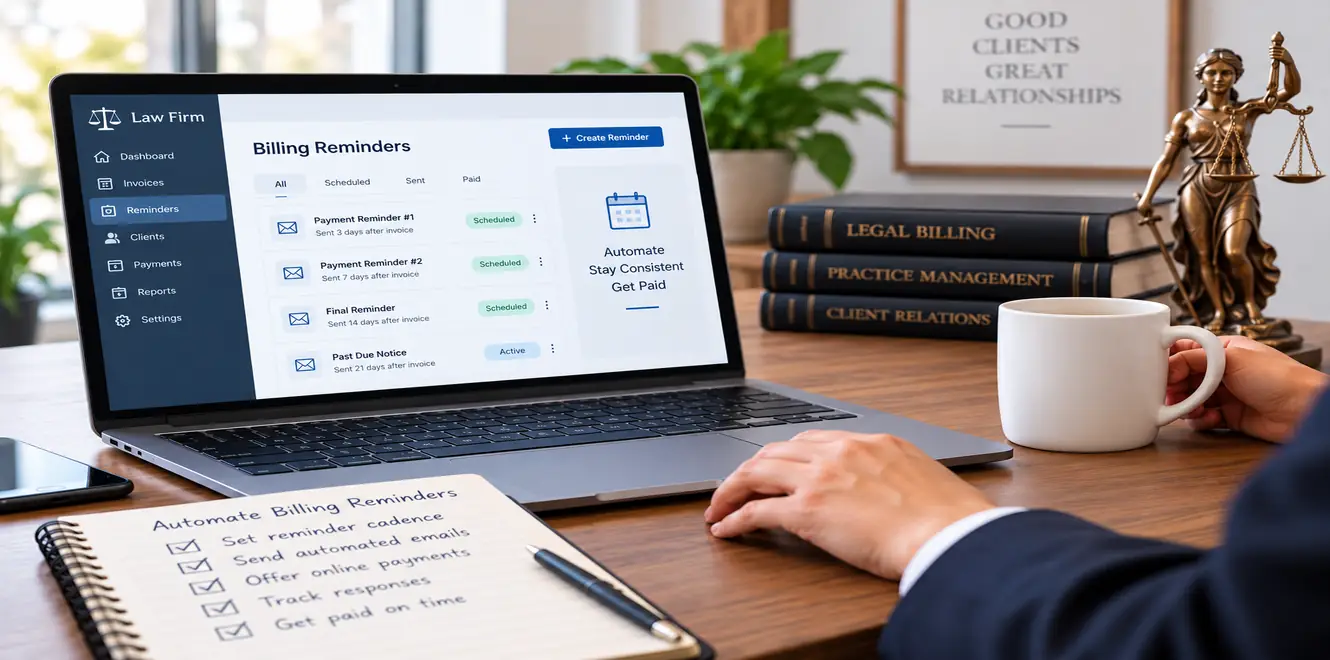
InvoiceSherpa can send customizable email and SMS reminders when an invoice is created, when its due date approaches, when it becomes past due, and after payment is received. Businesses can also customize reminder timing and messages to suit their customer relationships.
A practical workflow may look like this:
- Send an accurate invoice promptly after work or a billing milestone is completed.
- Send a polite reminder shortly before the due date.
- Follow up when payment becomes overdue.
- Make payment links easy to access from the message.
- Flag accounts that remain unpaid for personal review.
- Stop or pause routine reminders when a dispute or special payment arrangement exists.
- Send a simple thank you after payment when that communication fits the relationship.
Automation should make communication more consistent, not indiscriminate.
A customer who has questioned a charge shouldn't continue receiving generic overdue notices while your team investigates it. Likewise, a long-standing client who has promised payment on Friday may need a paused workflow rather than three automated emails before Friday arrives.
InvoiceSherpa's reminder workflows help teams automate routine collection activity, while its A/R dashboard provides visibility into outstanding balances and payment status. Its customer portal and automatic payment capabilities can further reduce routine collection work.
Review your results after implementing automation. Look at how many invoices are paid on time, how overdue balances are aging, and where customers tend to respond. If one reminder consistently leads to faster payment, keep it. If repeated messages produce little response for certain account types, those accounts may need a different approach.
The objective is a predictable collection process where routine follow-up happens consistently and employees intervene when their knowledge of the customer can actually make a difference.
Build a Faster, More Predictable Payment Process with InvoiceSherpa
Improving invoice payment times requires attention to the full billing cycle. Faster collections are harder to achieve when invoices wait for approval, payment expectations are unclear, customers struggle to pay online, or follow-up depends on someone remembering to send another email.
Create clear ownership for invoice processing, establish payment terms early, remove unnecessary payment friction, and automate repeatable follow-up. Then review actual payment behavior and adjust the process where balances continue to stall.
InvoiceSherpa brings customizable reminders, integrated payments, automatic payments, a customer portal, accounting software synchronization, and A/R dashboard visibility into one platform designed to help businesses spend less time manually chasing unpaid invoices.
When routine collection work runs consistently in the background, your team can focus its attention on customers who need a conversation rather than every customer with an open balance. The result is a clearer receivables process, better visibility into cash flow, and a stronger path toward getting invoices paid sooner.
Septemer 14, 2026
.webp)